

We Compared the Leading Cordless Rotary Tools. Here's Why GlideCraft is #1:
 Written by Benjamin Carter
Start with what to look for, because it narrows the field fast. The first thing is a low starting speed. Thin plastic, resin and polymer clay soften under friction, so the lowest step matters more than the top one.
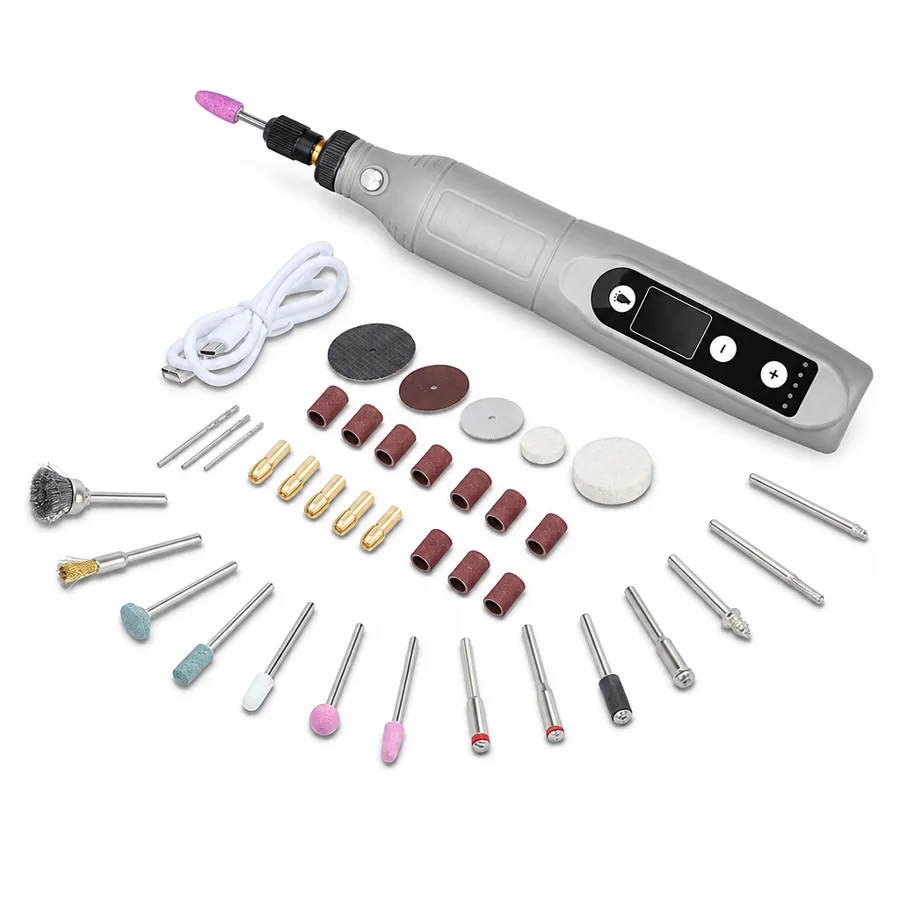
Next, check what comes in the box. Sanding bands, cutting discs, felt wheels and collets let you start on day one instead of ordering bits first. Then look at charging, rated work time, a body small enough to steer at any angle, and a light for the detail you are finishing. A cordless rotary tool that ticks those boxes feels like a pen, not a power tool.
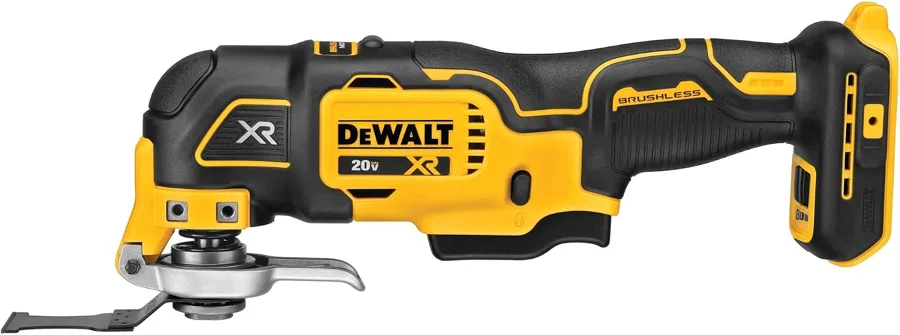
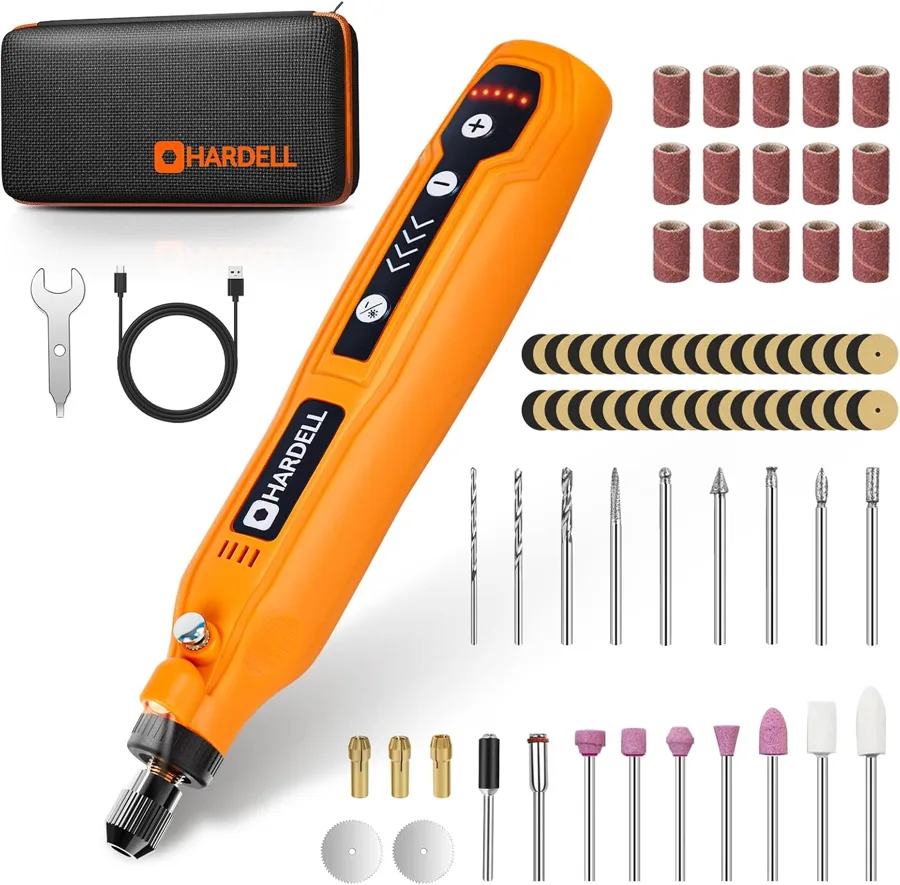
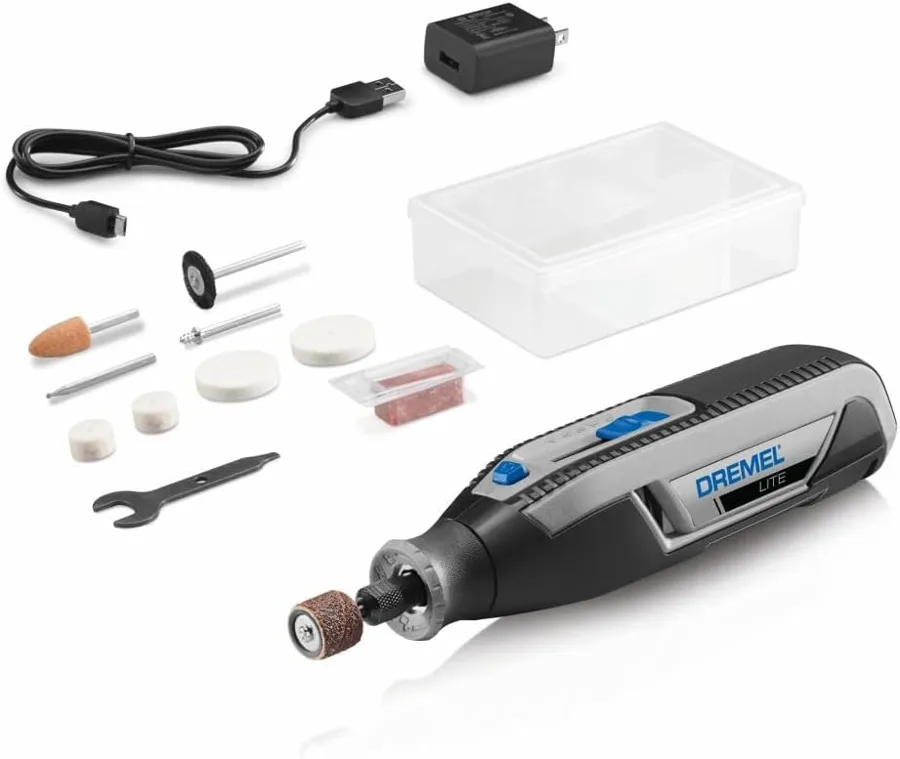
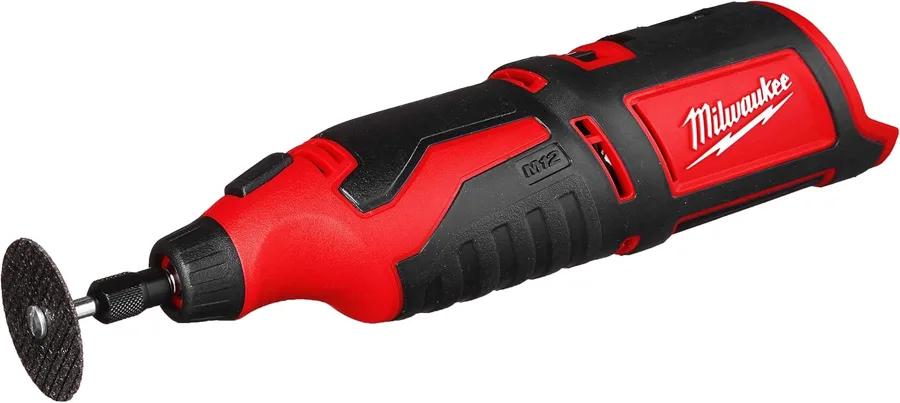
The catch is that the five products here are built for very different jobs. One is an oscillating tool for cutting trim, one is a bigger kit for resin, one carries a famous name and ten bits, and one is a heavy grinder. To sort them out, we lined up the specs, kit contents and Amazon ratings for all five.
Here's what we found.
How We Compared Them
We compared the five models on four criteria: Low Speed Control, Kit Completeness, Cordless Run Time and Compact Size. Those decide whether a cordless rotary tool feels easy or frustrating for people finishing small prints, crafts and models.
Nobody ran these tools in a workshop. We worked on paper, from published specs, speed ranges, battery data, kit contents, dimensions and build, plus Amazon ratings where they exist. Where a figure comes from the maker, we say so. Every model was scored against the same four criteria, so no product faced a different yardstick.
On paper, our top pick wins the criterion that decides most small jobs: the gentlest starting speed in the group. Five steps climb to 15,000 rpm, so you ease in on a fresh print and speed up for polishing once the delicate work is done. The built-in LED keeps fine lines in view throughout.
Secondary strengths add up. The lithium battery charges over USB, the body measures 180 x 34 x 30 mm (7.1 x 1.3 x 1.2 in), and the cord is gone from your bench. Kits of 24, 50 or 62 pieces come with bands, discs, felt wheels and collets for the jobs it is made for.
The honest limitation is that it rotates in one direction only. For sanding, engraving and polishing, you adjust your angle of approach, so the limit is minor. Heavy metal grinding is not its job, and bigger tools suit that better.
The Results:
GlideCraft is the top pick because it gives you the gentlest start speed, a ready kit, a built-in light and a compact cordless body in one tool.
Value
You stop sanding every edge by hand, stop dragging a cord across the bench and stop squinting at fine detail in poor light. The built-in LED puts the detail in view, and the low first step lets you work with a light touch.
Doing nothing has a cost too: another evening with sandpaper, a fast only tool that softens thin plastic, or a corded model that tugs at the wrong moment. Each makeshift fix puts a piece you spent hours making at risk.
This model is built around small jobs. It carries a built in lithium battery that charges over USB, and its kits bring brass collets, sanding bands and felt wheels. Pick your kit, charge it, and start your next project with the right tool in hand.
Your Bench, After the Sanding Is Done
Picture the same desk with the printer humming and the cord gone. You pick up a fresh print, set the speed to the lowest step, switch on the light and trace the layer lines away in one calm session. Then you step up the speed, polish, and set the piece down ready for paint.
The same tool suits crafters shaping resin and polymer clay, model builders cleaning seams, woodworkers engraving small details and students in school workshops. It is also a sensible gift for anyone starting a hobby, because the kit arrives with bits and a clear first speed to begin on.
Frequently Asked Questions
Friction heat can soften plastic, which is why the first step matters: this model starts at 3,000 rpm, the lowest of its five speeds. Keep the bit moving and press lightly, and ease off if you feel it slow down. Trying a scrap piece first is a good habit.
The grey 50 piece model is rated for 2 to 3 hours of work and charges in 1 to 2 hours over USB. Real run time depends on how hard you press and which speed you use, so top it up between sessions. Keeping loads light is the best way to look after any rechargeable battery.
It is a light duty hobby tool for sanding, engraving, polishing, cutting and drilling small jobs in wood and similar materials. Its 3.7 V battery is sized for detail work, so leave heavy metal grinding to a full size tool.
Collets run from 0.5 to 3.2 mm (0.020 to 0.126 in), so match the collet to your bit's shank size before you buy. We make no brand compatibility claim. Push the bit fully in and secure it before you start, and check again after each swap.
The 24 piece kit covers light jobs. The 50 piece kit adds sanding bands (12 against 3), wire brushes and mounted points. The 62 piece kit also brings a black carry bag, a clear box and a wrench.
Yes. It has five speeds, so you can start on the lowest and work up as your hands get used to it. The body is about 180 x 34 x 30 mm (7.1 x 1.3 x 1.2 in), which is easy to steer on small pieces.
It is a light duty tool, and heavy loads shorten the life of any small rotary tool. Keep it to sanding, engraving, polishing and small cuts, and it is working in the range it was made for. We cannot promise a number of years, so match the tool to the job.
No, it turns in one direction only. For sanding, engraving and polishing that is rarely a problem, because you change your angle of approach rather than the direction of the bit.
Purchase and Delivery Process
Open the store page for GlideCraft and choose your Color and Kit: grey with the 50 piece kit, orange with the 62 piece kit and black carry bag, or orange with the 24 piece kit. Then add it to your cart and confirm your order.
The store page shows the current offer, the available options and the delivery details, so you can check everything before you pay.
Where Can I Buy the GlideCraft?
Getting your own GlideCraft with a 50% discount is simple. Just follow these steps: