

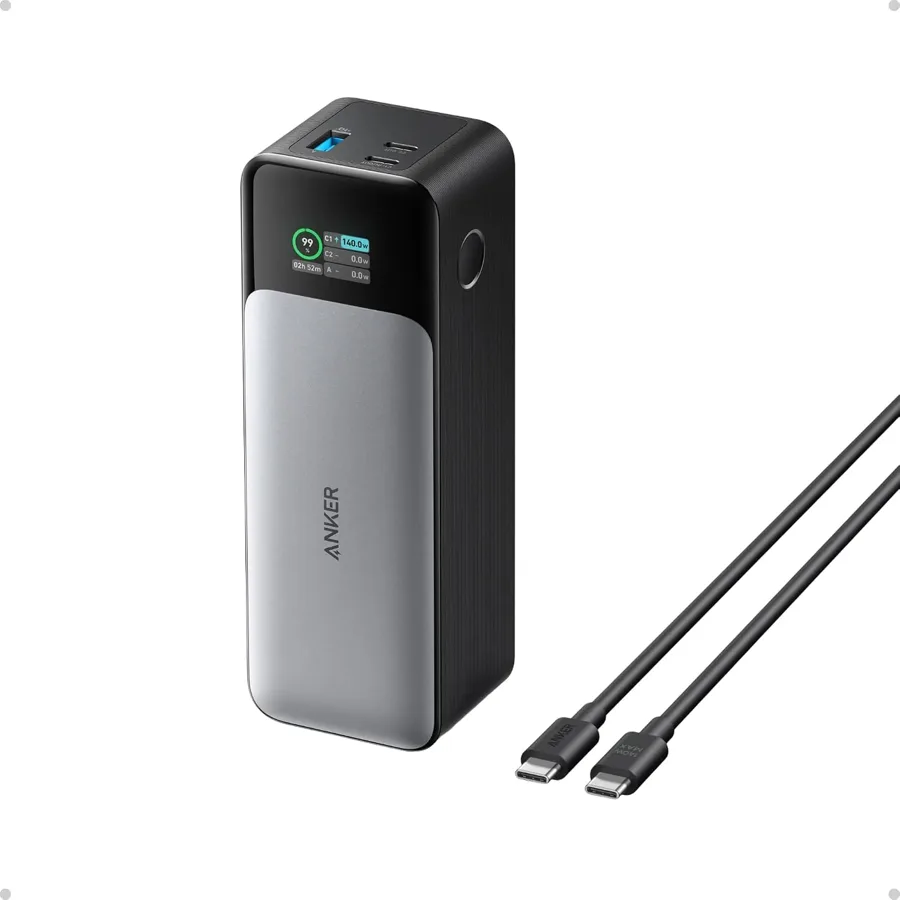
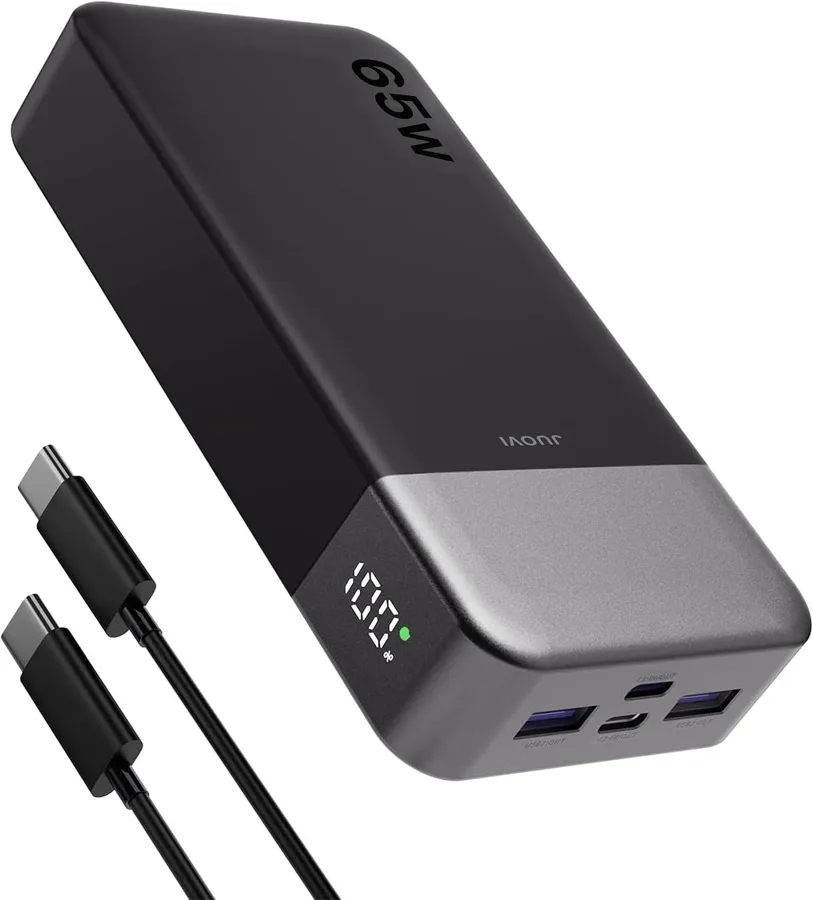
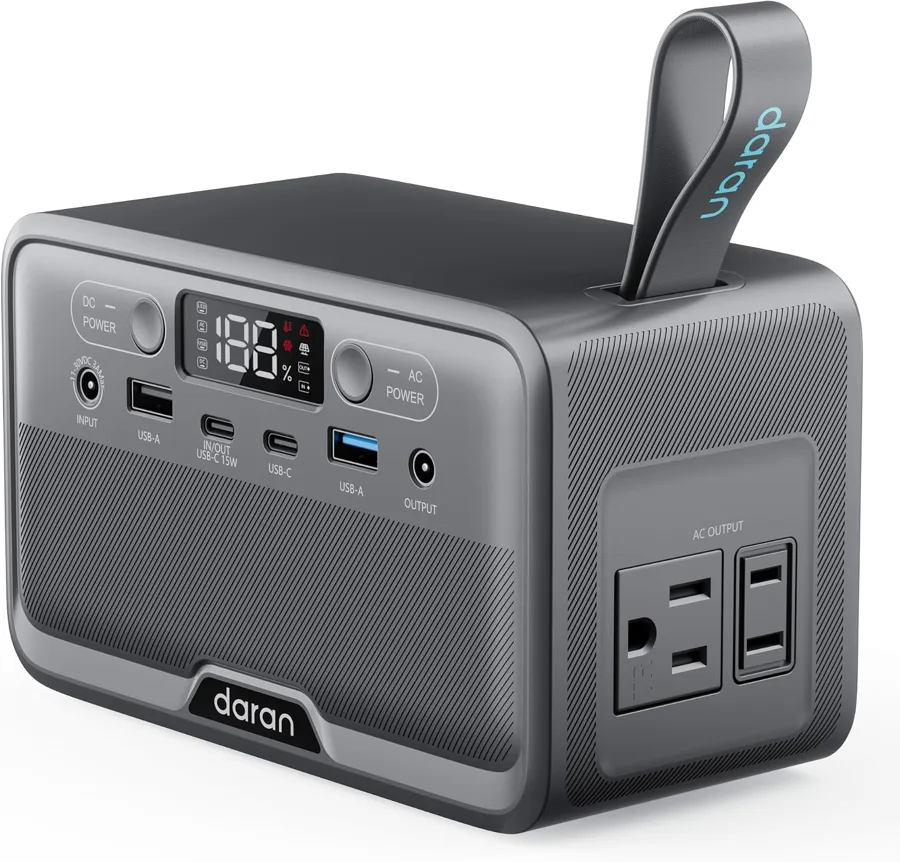
We Compared the Leading Laptop Power Banks. Here's Why GateJuice is #1:
 Written by Emma Collins
Most travelers try the obvious next step: a second charger from an airport shop, or a cheap bank with a big mAh number on the box. It often falls short. A laptop needs real wattage and a proper Power Delivery handshake, so a phone-class pack leaves the percentage sliding down while the screen reads plugged in, not charging.
What to look for instead is a short list. A cable that lives on the pack, so there is nothing to forget. A USB-C port rated near 100W for the laptop, with room for a phone and a tablet beside it. A display with real numbers instead of three LED dots, and a weight you will actually carry, because a bank left in a drawer charges nothing.
Then come the worries buyers raise most: whether it will pass the airline check, whether it works with your laptop, whether the cable survives a year of bending, and whether it runs hot under load. Every product page promises fast charging, so the answers sit in the details, port by port and gram by gram.
Here's what we found.
How We Compared Them
We compared the five on four criteria: Built-In Cables, Laptop Charging Power, Multi-Device Charging, and Display and Portability. For each one we read the published specs, product descriptions, port layouts, charging protocols, dimensions, weights, warranty terms and the star ratings buyers gave.
This is a comparison on paper, built from specs, materials, design and real buyer feedback. Figures such as charge counts are the makers' own ratings, so we report them as rated figures. Every size appears in metric and US units, and each product is credited only with facts that belong to it.
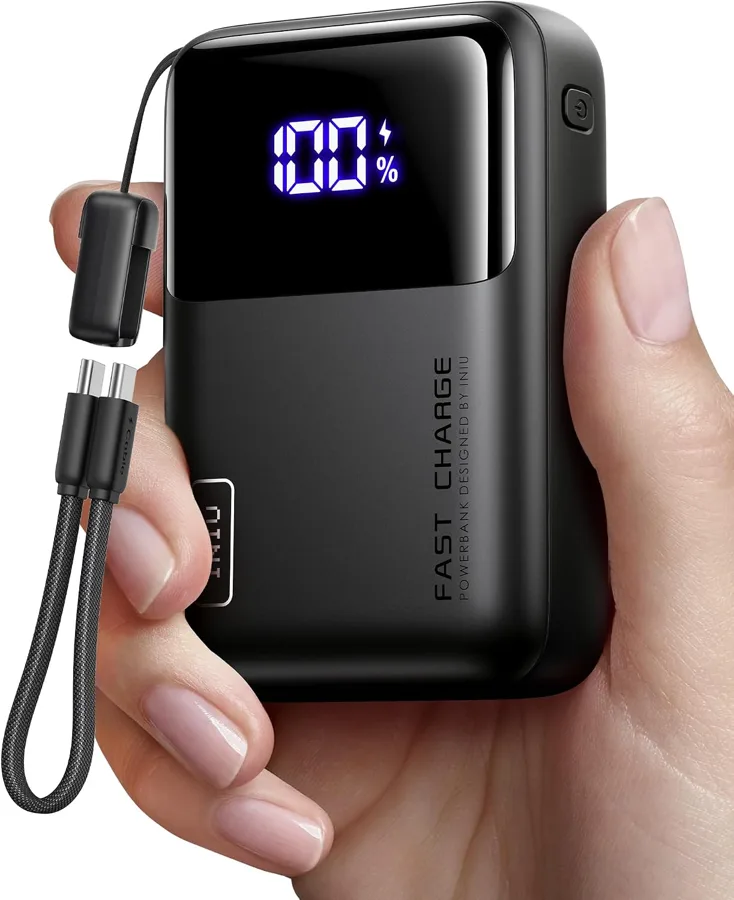
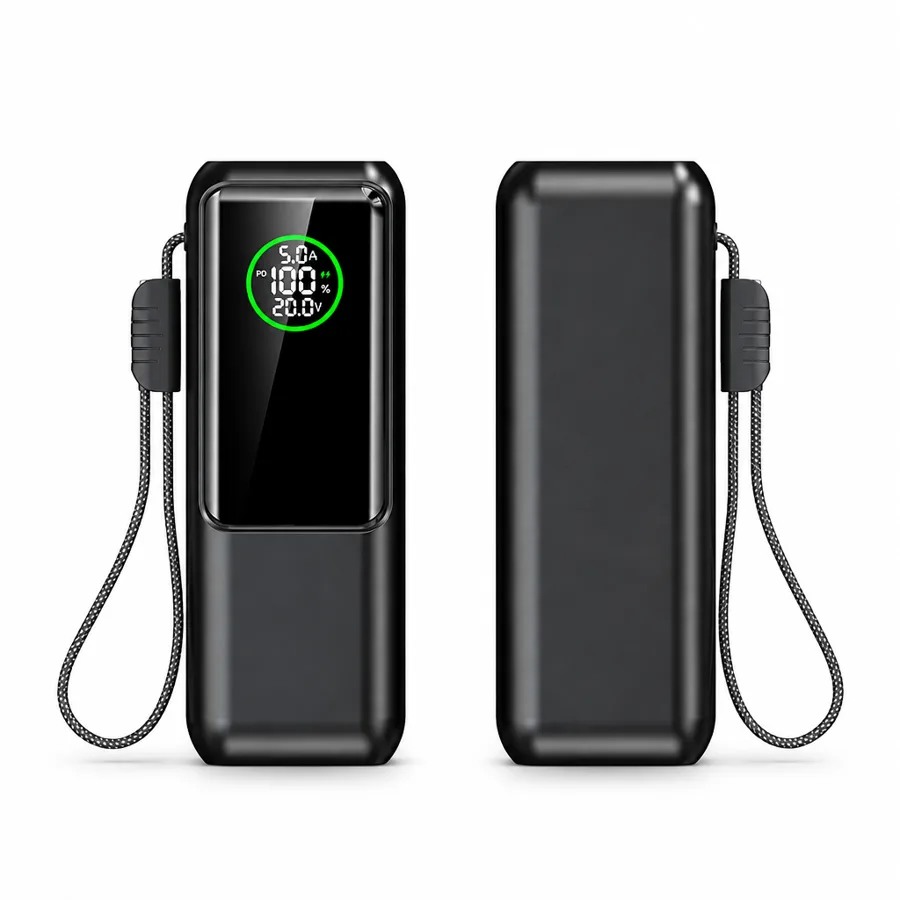
On paper, our top pick wins on the points that cause the most frustration. It is the only contender here with a pull-out USB-C cable built into the body, plus a woven lanyard loop to hang it from your bag. Its USB-C port runs at 100W over PD 3.0, and the LED display shows current, percent and voltage.
Secondary strengths add up. It runs three devices at once, recharges over USB-C with a charger you already own, and charges phones, tablets, laptops and Switch consoles over PD. It comes in Black or Gray, so it matches your bag.
The honest limit is that the built-in cable tops out at 60W. That is minor: the 100W USB-C port takes your own cable for bigger loads, so a demanding laptop still gets the full 100W port.
The Results:
GateJuice is the top pick because it is the only contender here that puts a pull-out cable, a 100W USB-C port and a live display in one pack light enough for a bag.
Value
With this pack you stop hunting for the right cable, stop scanning the terminal for a free outlet and stop rationing the last 10% of your laptop. The cable is in the body, the USB-C port is ready for bigger loads, and the display shows what is left before you have to ask.
Doing nothing has a cost. A cable left in a hotel means buying another at a counter, and a phone-class bank that only trickles leaves the laptop dying mid-meeting. Those repeats add up to a habit of arriving with a drained laptop.
Build matters for long-term confidence. A 10-layer protection circuit covers overcharge, overcurrent, short circuit and over-temperature, and a woven lanyard loop is part of the body, so the pack hangs from your bag instead of sinking to the bottom of it. Pack it once and it is ready for the next trip.
Your Next Trip Without the Cable Hunt
Picture the gate again, this time with the pack hanging from your bag. You pull out the cable for your phone, plug your own cable into the 100W port for the laptop, and check the display. The delay is the same, but you are working, and one pack does the job.
Others benefit too. Students in long lecture blocks, remote workers moving between cafés, parents keeping tablets alive on a train and gamers with a Switch can all use one pack. Anyone who has ever left a charger behind will get the point.
Frequently Asked Questions
The USB-C port delivers up to 100W over PD, which suits regular thin-and-light laptops. Match the wattage of your laptop's original charger and check that your laptop supports USB-C PD. The built-in cable tops out at 60W, so use your own cable on the USB-C port for bigger loads.
It charges phones, tablets, laptops and Switch consoles over PD, and it works with 99% of smartphones and tablets. It also supports PPS, SCP, FCP, VOOC and QC fast-charge protocols, so many phones can use their own fast-charge mode.
Yes. Use the USB-C port, the USB-A port (about 18W max) and the built-in USB-C cable together. That covers a laptop, a phone and a tablet from one pack, with no wall outlet needed.
Recharge over USB-C at up to 65W, or through the built-in cable at up to 60W. A wall charger is not in the box, so use a matching USB-C PD charger you already own.
Yes. It has a 10-layer protection circuit covering overcharge, overcurrent, short circuit and over-temperature, plus CT temperature control technology.
Rated figures show an iPhone 15 Pro reaching about 70% in 30 minutes, and about 2.6 charges from a full pack. Your phone's own fast-charge protocol sets the final speed, so your results depend on the model.
Yes. A woven lanyard loop is part of the body, so you can clip the pack to your bag and keep it within reach in a terminal or on a train. It comes in Black or Gray.
The LED digital display shows current in amps, battery percent and voltage. Watch the percent to plan your next hour at the gate, and the amps and volts to see what your device is drawing.
Purchase and Delivery Process
GateJuice comes in Black or Gray, so pick the color that suits your bag and laptop sleeve. Both are the same 20,000 mAh pack with the built-in cable and lanyard loop.
Have a USB-C charger ready for refilling the pack, since the color box holds the power bank and nothing else.
Where Can I Buy the GateJuice?
Getting your own GateJuice with a 50% discount is simple. Just follow these steps: