

We Compared the Leading USB Card Readers. Here's Why TapReveal is #1:
 Written by Sarah Jennings
Why do mixed-card desks stay stuck? Because the cause hides in details nobody checks. A 125 kHz ID fob and a 13.56 MHz IC badge look alike in your hand, yet a reader built for one family passes over the other without a sound. Frequency mismatch is the quiet reason a card gets skipped.
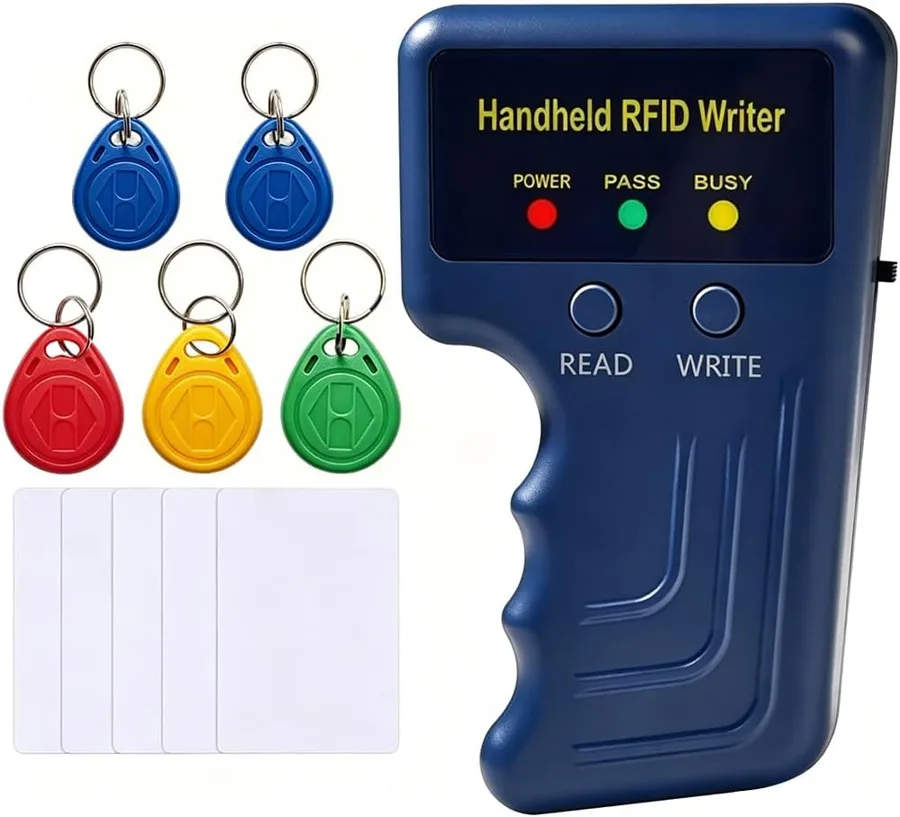
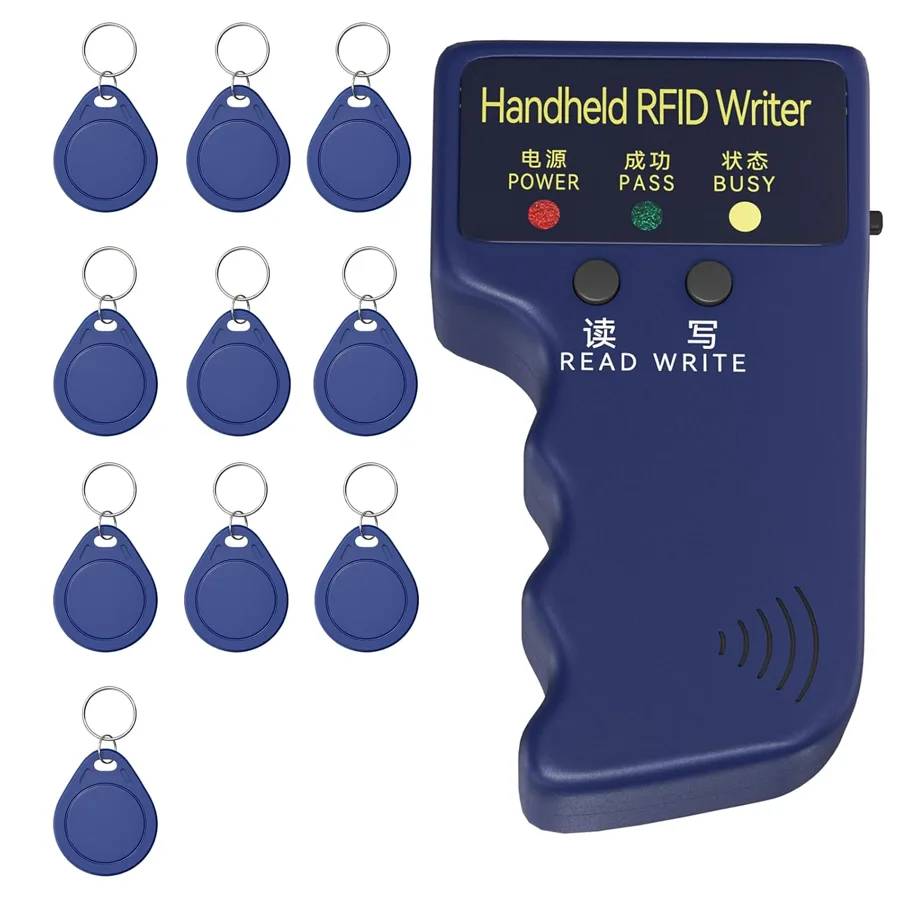
Two more surprises wait further down. Handheld copiers run on AAA batteries that you supply, and they are made to write fobs rather than feed a computer. Number formats are the other trap: a reader that types hex, or digits in a different order, leaves a column your system can't match. Format surprises sit in small print, far from the headline.
So the better question is what each reader asks of you: which cards it covers, what it needs to run, and what it types. An rfid reader that suits your drawer matters more than any headline spec. We lined up the five contenders, set their published details next to real buyer feedback, and checked each against the same four criteria. Here is how we compared them.
Here's what we found.
How We Compared Them
We compared the five readers on four criteria: Card Frequency Support, Plug-and-Play Setup, Read Range and Speed, and Build and Reliability. Each one was weighed against its published specs, materials, dimensions and design, then set next to the feedback real buyers have shared.
Nobody ran a bench session: this is a comparison, not a trial. We looked at which card types each model reads, whether it needs batteries, drivers or format set-up, how far and how fast it reads, and what buyers praise or complain about. Every score rests on facts we can point to.
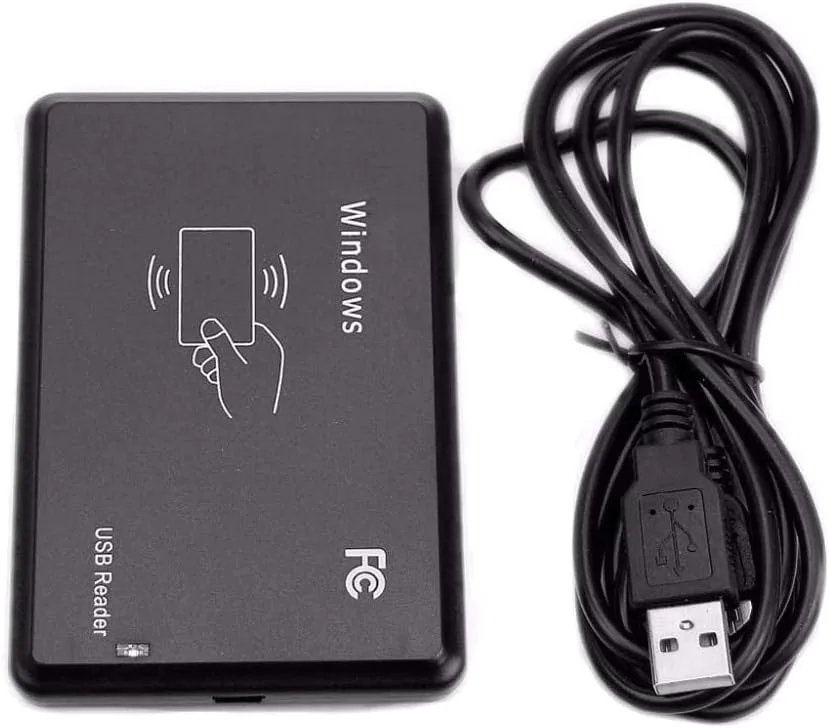
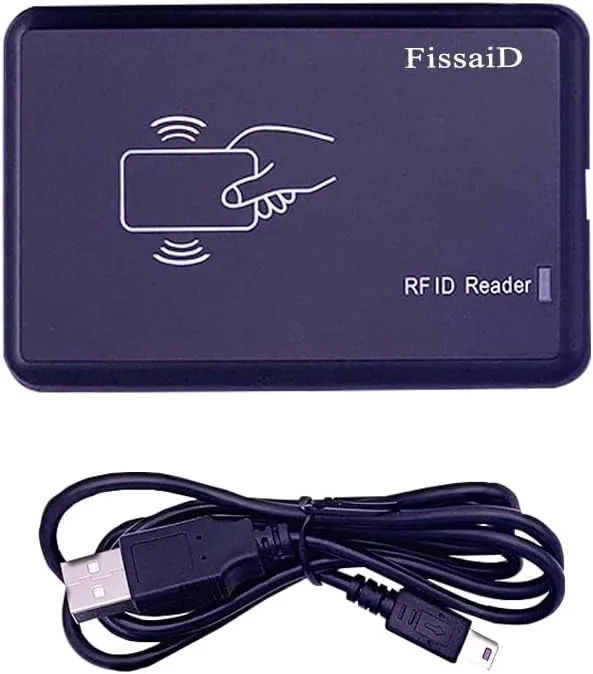
The #1 pick's strongest advantage is how much it covers with how little set-up. The IC + ID dual-frequency option reads both ID and IC cards, so one reader covers both families. It acts as a keyboard, typing the card number into any text field with no driver on Windows, Linux or Android.
Secondary strengths make a busy desk calmer. It is powered from USB, so there is nothing to charge, and a read takes 0.2 s, with a red LED on standby and green when the card registered. At about 0.1 kg (3.5 oz) it moves between desks easily, and it reads from 0-80 mm (0-3.1 in), so a card held flat above it is enough.
The honest limitation is output format. The default is the first 10 digits, and other formats must be requested before ordering. That is minor if your system accepts a 10-digit decimal number, and easy to settle by checking before you buy.
The Results:
TapReveal is the top pick because, in the IC + ID dual-frequency option, it reads both card families, types the number for you, and asks for no driver or batteries.
Value
With this model, you stop typing numbers by hand and stop reaching for a second reader. The number lands in your open field and the green LED confirms the read, so you can look at the person in front of you instead of the screen.
Doing nothing has a cost too. A single-frequency device keeps skipping cards, a hand-typed digit sends you back to fix rows, and a handheld needs AAA batteries you must supply. Each workaround adds friction every single day.
The build suits a desk. It has a slim black body, four sponge pads for grip, a detachable USB-A to mini-USB cable and a built-in buzzer. Power comes from USB, so there is nothing to recharge. Set it down, plug in, and let the cards type themselves.
Check-ins that run themselves
Picture the next morning rush. The reader sits flat beside your laptop, a cursor blinks in your sheet, and each member or employee holds a card above it. The number types itself, the light flashes green, and the line keeps moving.
Front desk staff, gym owners and office admins get the most from it. Makers logging badges on a bench, and anyone enrolling cards on a Windows, Linux or Android machine, will find it as easy. It is light enough to move between desks in seconds.
Frequently Asked Questions
No. It acts like a keyboard, so you connect the USB cable and it types the card number into whatever text field is open, including Excel, Notepad or Word. There is no driver to install and nothing to download.
No, those are not covered. It reads standard EM4100 and TK4001 125 kHz ID cards and MF S50/S70 ISO14443A 13.56 MHz IC cards. Check your card type before ordering.
The IC reader (13.56 MHz) reads IC cards. The IC + ID dual-frequency reader reads both 125 kHz ID cards and 13.56 MHz IC cards, so it is the one to choose when your cards are mixed.
By default it types the first 10 digits as a 10-digit decimal number, which may not match the digits printed on the card. Other formats, such as 8-digit hex, 8-digit decimal, 13-digit or reverse output, must be requested before you order.
The systems this model supports are Windows, Linux and Android. If your main computer is a Mac, check that before you order.
Its rated read distance is 0-80 mm (0-3.1 in). Hold the card flat above the reader, don't swipe from the side, and keep metal objects away, since the distance varies with the card.
It is made for the desk: a slim 12 mm (0.47 in) body, four anti-slip sponge pads, a detachable USB cable and no software to install. We can speak to the design, and we make no claim about how long it lasts.
It is a reader only. It reads the card number and types it into your computer. It does not write or copy cards, so choose a different tool if you need that.
Purchase and Delivery Process
Choose the IC reader (13.56 MHz) or the IC + ID dual-frequency reader, match it to your card type, and order from the TapReveal store page.
If you need a number format other than the default first 10 digits, request it before ordering. Then confirm your order when you are ready.
Where Can I Buy the TapReveal?
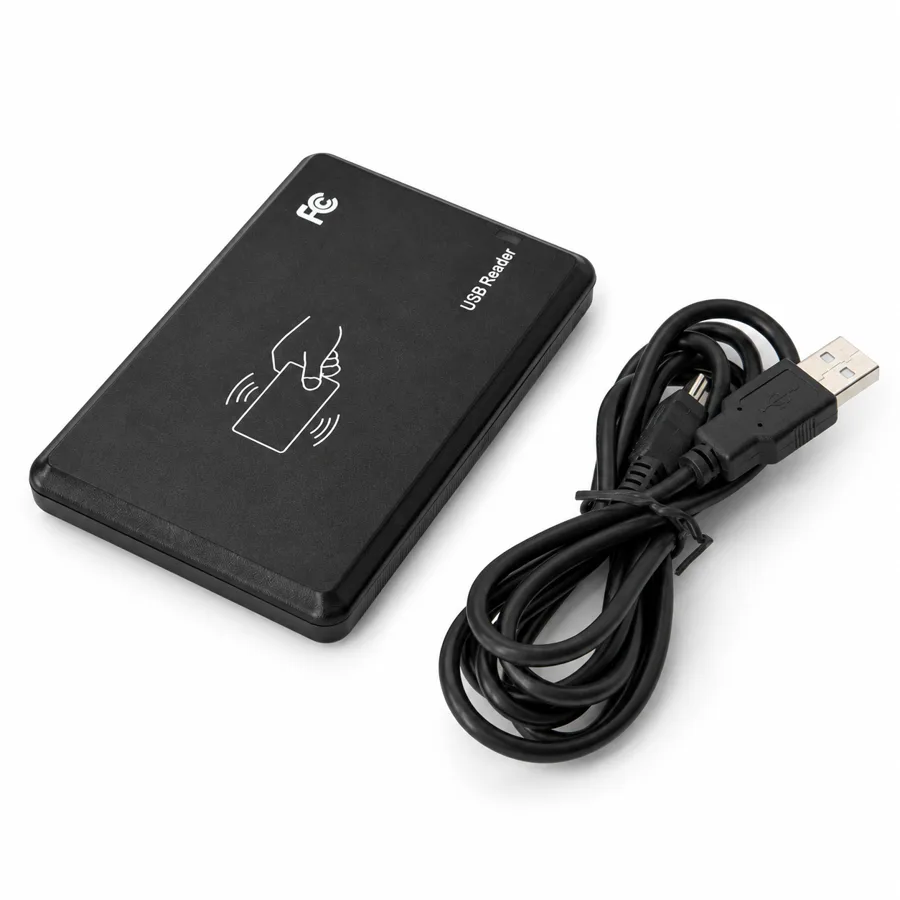
Getting your own TapReveal with a 50% discount is simple. Just follow these steps: