

We Compared the Leading USB Charging Stations. Here's Why DeskSpire is #1:
 Written by Emma Collins
Most owners try the obvious fix next: a bigger hub with more holes. It feels like progress until every port holds a cord of your own, the block eats a corner of the desk, and the laptop still charges slowly because the headline wattage is shared between everything plugged in.
So the useful questions change. How much power does each port carry, and is there USB-C for the laptop and newer phone alongside USB-A for older gadgets? Who supplies the cables, and how much desk does the body take? A high port count means little if every cord is yours and lands on the desktop.
Those questions became the four yardsticks for this usb charging station comparison: total power output, port variety and speed, desk tidiness and compact GaN build. A station lives next to your monitor, so size and cord handling count as much as watts. Next, how the five line up on each.
Here's what we found.
How We Compared Them
We compared the five stations on four criteria: Total power output, Port variety and speed, Desk tidiness and Compact GaN build. Total power output covers the combined wattage each unit is rated for. Port variety and speed covers port types, counts and per-port ratings. Desk tidiness covers cables, cords and mounting, and Compact GaN build covers size, weight, materials and how the power is packed.
Nobody ran these units on a bench. We read published specs, dimensions, weights, included cords, warranties and the average Amazon star rating of the market models, then weighed them against what US buyers say they want from a desk charger: no wall warts, no cable nests, no big numbers that mean little. Each criterion became a percentage score that drives the bars on every card.
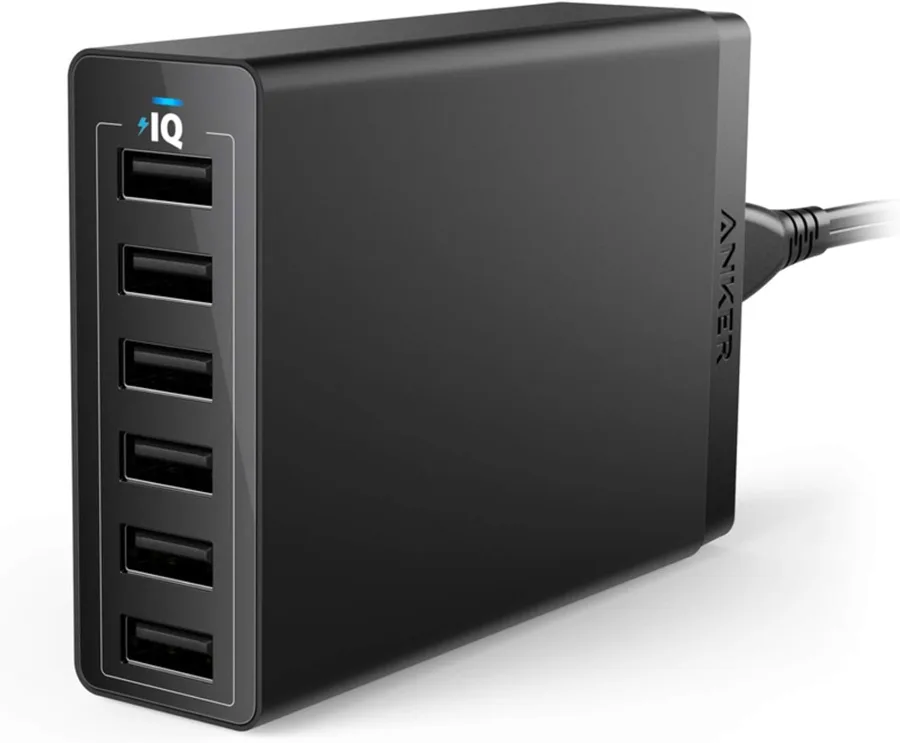
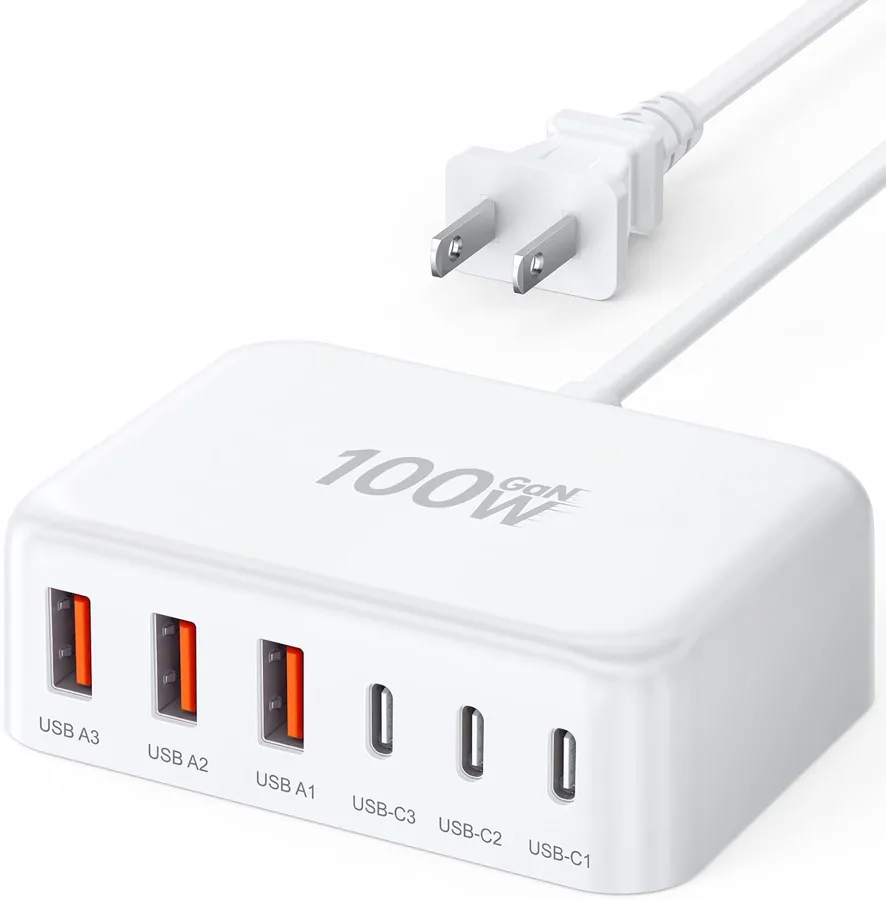
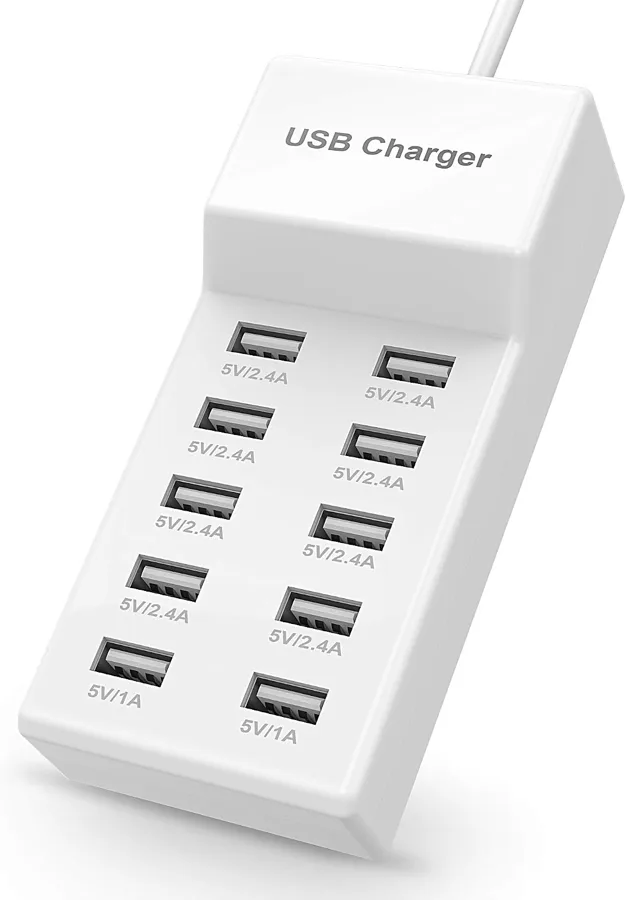
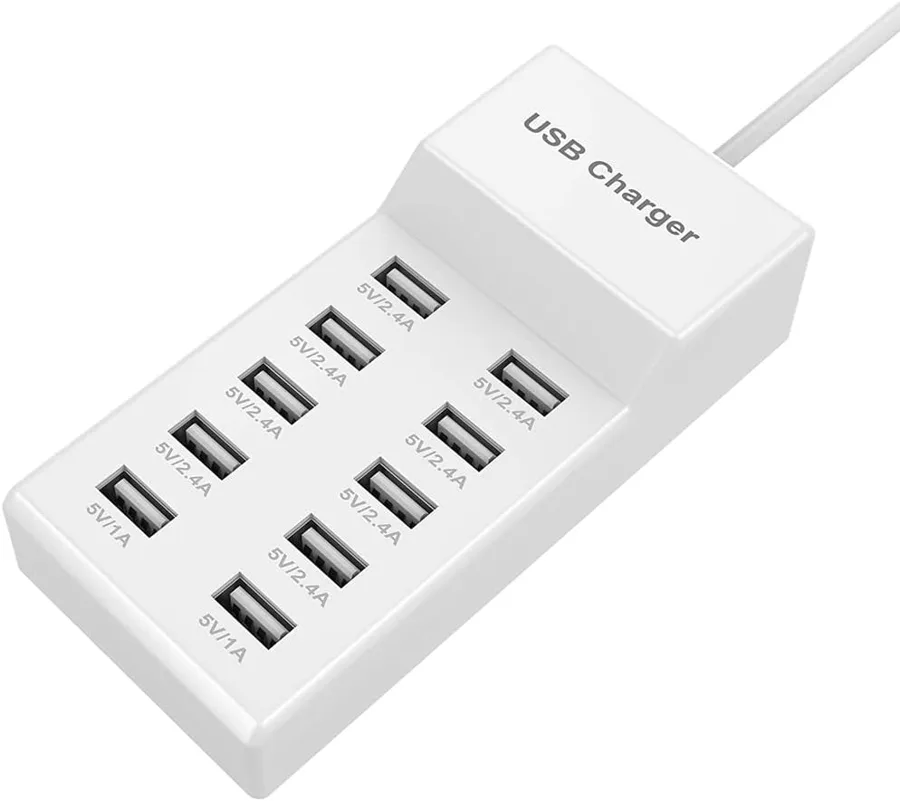
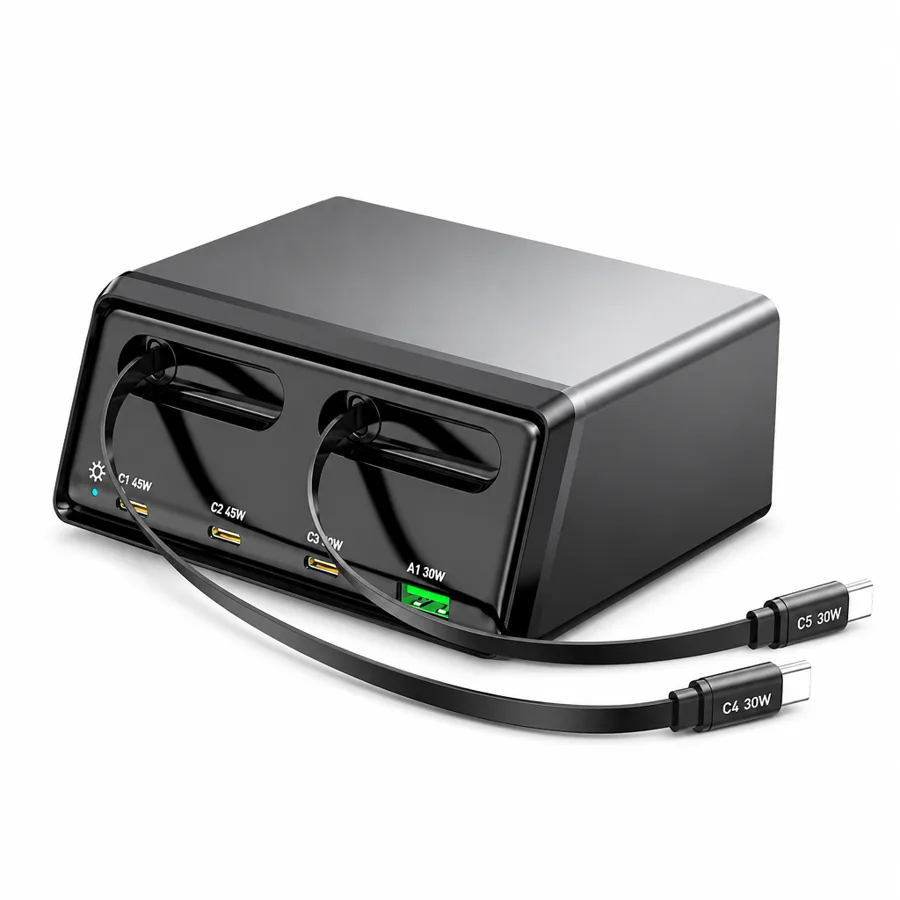
The comparison showed DeskSpire ahead on the two things desk owners complain about most. Its 60E model is rated for 210W total power across six outputs, against 60W for the Anker Desktop Charger, a 100W maximum for BREEKET and 50W for the 10-port block. Two of those outputs are built-in 70 cm (27.6 in) USB-C cables that pull out and retract, which none of the other four has.
The secondary strengths add up. Printed ratings of 45W on two USB-C ports and 30W on the rest let you match a laptop to a higher-rated port, and the USB-A port covers older gadgets. The GaN body stays compact enough for a desk, and shoppers who want a front screen and side knob can pick the 60D model instead.
One honest limitation: the built-in cables are 70 cm (27.6 in) long, so a device parked far from the tower needs one of your own cables. That is a minor limit, since the other ports take cables of any length and a desk keeps your devices close.
The Results:
DeskSpire is our top pick because it pairs a printed 210W total, retractable built-in cables and a mix of USB-C and USB-A ports in one small desk tower.
Value
With this station you stop hunting for the right brick, swapping adapters on a full power strip and untangling cords behind the desk. One tower, one outlet handles the laptop, phone and earbuds, and the built-in cables retract when you are done.
Swapping adapters costs you a few minutes every morning, and makeshift fixes keep charging you that time.
The build is aimed at daily desk use. GaN keeps the power in a compact body, the 60E has two flat built-in cables made to pull and retract, and the 60D adds non-slip feet, a side vent grille and a metal-look body. Printed port ratings tell you what each port is rated to deliver. Set it up once and it becomes part of the desk.
Your desk, finally clear
Picture the morning: the desk is clear, one small tower sits by the monitor, and your laptop and phone are already topped up. You pull a cable out, plug in, and let it slide back when you leave. No bricks in sight, no hunting.
The same tower suits a nightstand with a phone, earbuds and a tablet, a shared family desk, a student corner or a new home office. Anyone with more devices than outlets gets the same calm, uncluttered setup.
Frequently Asked Questions
Yes. The 60E has six outputs, including two built-in cables, and it supports PD fast charging, so a laptop, phone and earbuds can share it. Where you can, plug the laptop into one of the two higher-rated 45W ports.
Yes. Put them on the two 45W ports, C1 and C2, and keep phones and earbuds on the 30W ports. Everything shares the printed 210W total, so keep the combined load within it.
Two cables are built in, so two devices can start charging right away. For the USB-C and USB-A ports you use your own cables, so keep the ones you already own.
Yes. There is one USB-A port next to the USB-C ports, so a device with a USB-A cable plugs in there while your newer gadgets use USB-C.
Each port's power is printed on the unit, and a small status indicator light sits at the front. Match your laptop to a higher-rated port and smaller devices to the others.
The US option has a standard plug with fixed pins, so it goes straight into a US wall outlet. It sits on your desk as a charging station, not as a travel adapter.
The port ratings are as printed on the unit. Before ordering, check the warranty and certification details on the store page, so you know what coverage comes with your model. We make no promise about heat or lifespan, so keep your devices within the printed ratings.
Compare what is printed. This tower is rated 45W on two ports and 30W on the rest, 210W in total, so you can see what each port is meant to do. It also builds in two retractable cables of 70 cm (27.6 in), which means fewer cords of your own on the desk.
Purchase and Delivery Process
Open the DeskSpire store page and choose your model: the 60E in black with two retractable cables, or the 60D in grey with a screen and knob. Pick the US plug option and add it to your cart.
The store page shows the current offer, the options and the delivery details, so you see everything before you pay. Then confirm your order and get ready to clear the desk.
Where Can I Buy the DeskSpire?
Getting your own DeskSpire with a 50% discount is simple. Just follow these steps: