
We Compared the Leading USB WiFi Adapters. Here's Why Skyperch is #1:
 Written by Benjamin Carter
The pattern is clear: every fix targets the router, while the receiver behind the metal case stays the weak point. A stronger signal in the room does little if the antenna that must catch it is boxed in by steel. The fix that lasts is to change the receiver, not the router.
So what should you look for? An external antenna you can aim comes first, because it moves the catch point out of the shadow. Next come a dual-band radio, so you can choose speed or steadiness, and an install that does not depend on a disc you lost years ago.
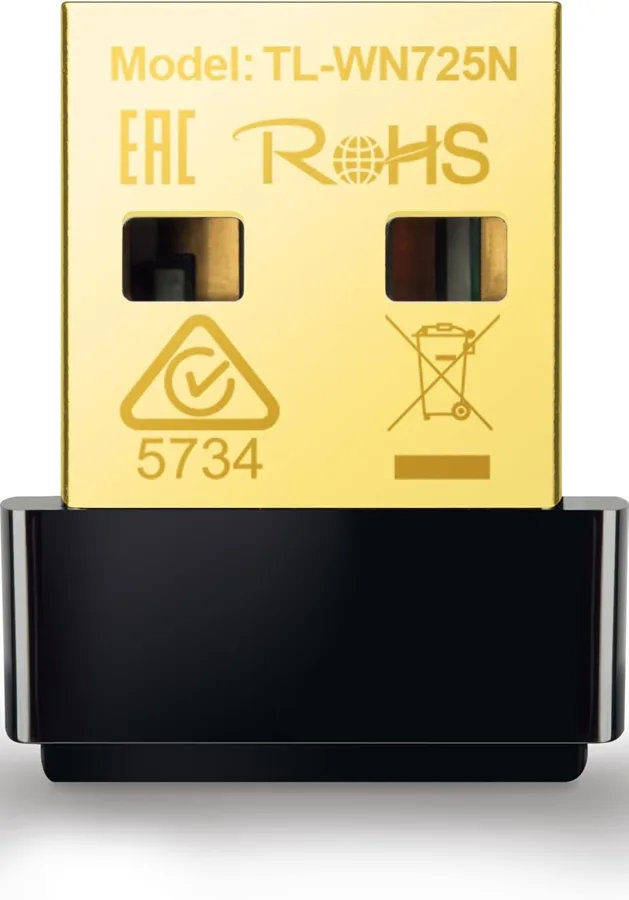
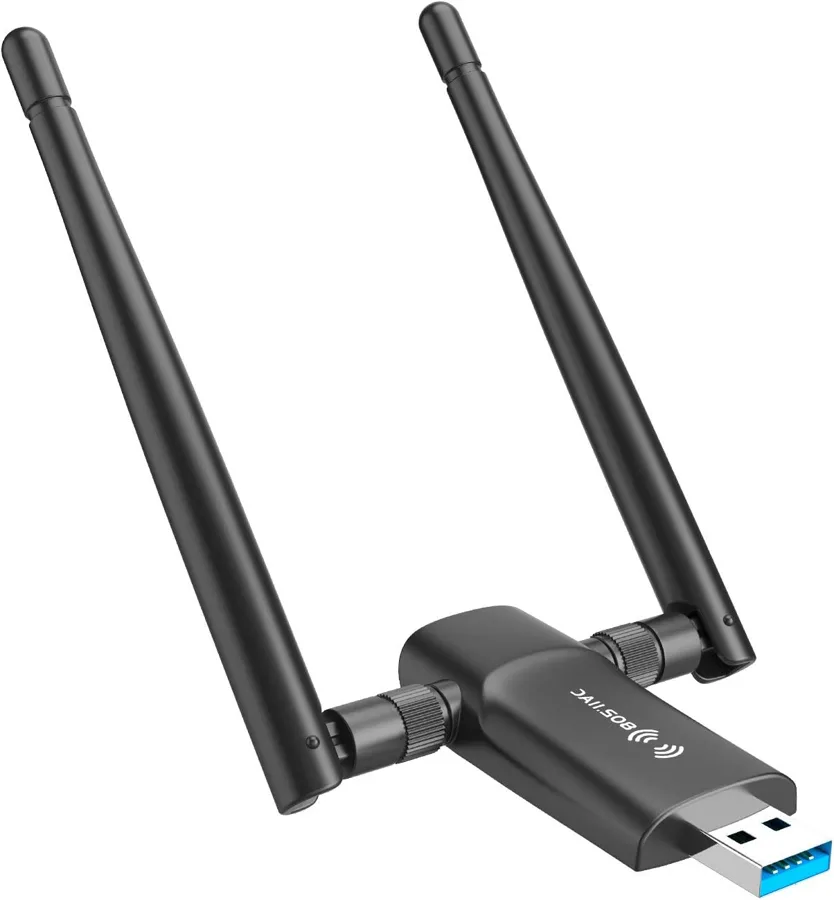
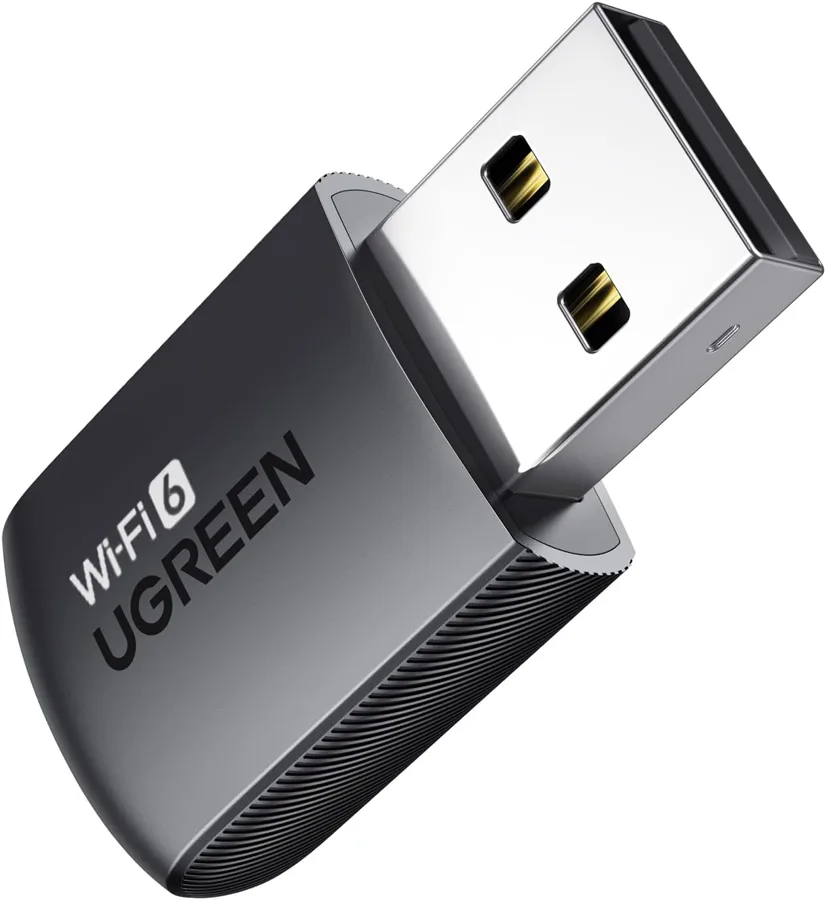
Then check the operating systems a stick names, and see whether Bluetooth on the same stick saves a port. That is why we put five popular USB WiFi adapters side by side, from nano sticks to Wi-Fi 6 designs. We read the specs, parts, size details and real buyer words so you do not have to.
Here's what we found.
How We Compared Them
We scored all five on four criteria: Range and Signal, Setup and Compatibility, Speed and Bands and Features and Build. Range looks at antenna design and body size. Setup covers drivers and supported systems, speed covers the stated bands, and features cover extras such as Bluetooth, hotspot sharing, security and warranty.
This is a paper comparison of one usb wifi adapter against the next. We read published specs, parts, dimensions, weights and supported operating systems, then added what real buyers praise and complain about. Where a model had little buyer feedback, we leaned on its specs and kept our claims modest.
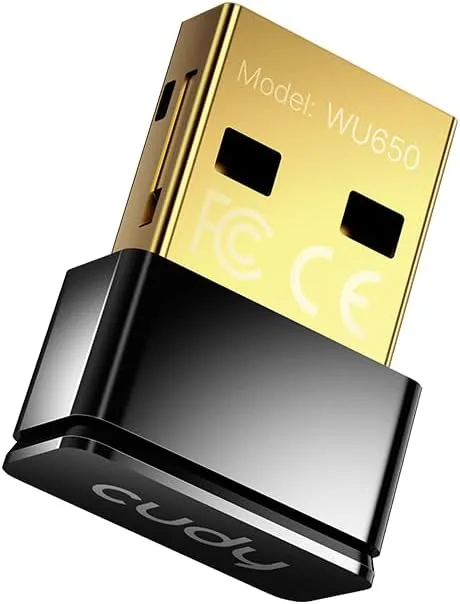
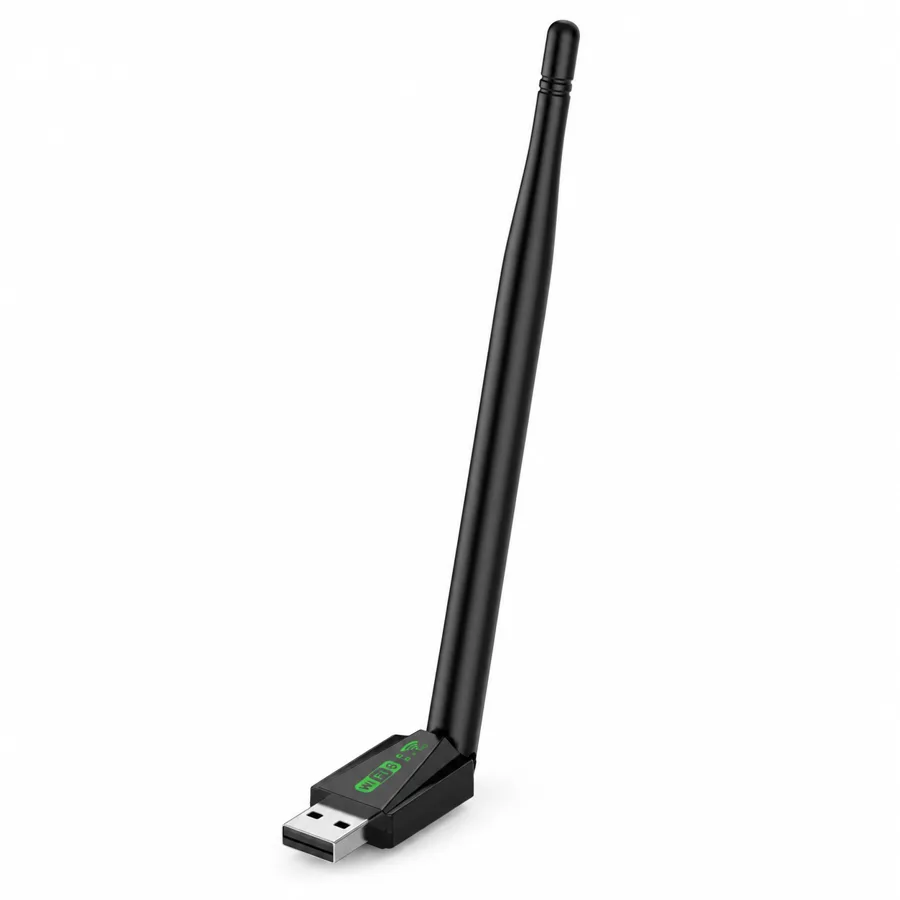
The comparison put aimable reach at the top for Skyperch. Its external 5 dBi antenna rotates 90° and 180° and measures 150 mm (5.91 in) of the 190 mm (7.48 in) total length, so you can point it at the router rather than at the back of the tower. The two nano sticks in the group have no antenna to aim.
The secondary strengths turn into everyday gains. You choose the faster 5 GHz band (up to 600 Mbps in theory) or the steadier 2.4 GHz band (up to 286 Mbps), keep Bluetooth 5.4 headphones and controllers on the same stick, share your connection with a phone on Windows 10 and 11, and see your signal on the LED.
One honest limit: the Wi-Fi 6 extras (OFDMA, UL MU-MIMO and TWT) need a Wi-Fi 6 router. It is minor, because the adapter still connects to 802.11 a/b/g/n/ac/ax routers, so you lose only the extras, not the connection.
The Results:
Skyperch is our top pick because its rotating 5 dBi antenna, dual-band Wi-Fi 6, built-in driver and Bluetooth 5.4 solve the metal-case problem better than the other four.
Value
This stick gives you an antenna to aim and a driver that installs itself, so there is no disc to hunt for and no cable to run across the floor.
One adapter covers your Wi-Fi and your Bluetooth gear, so there is no second dongle to track for headphones or a controller. On Windows 10 and 11 it can also share your connection with a phone, which keeps the household online through one desktop.
The design has little to configure and nothing to lose track of. The 150 mm (5.91 in) antenna you rotate is the only adjustment, and you set it once. Plug in, aim, and get on with your day.
Your desk, finally online
Picture the morning call: you plug in the stick, turn the antenna toward the router and join the meeting. Your headphones are already paired, and the evening game or stream starts on the band you chose. The tower stays where it is, and no cable crosses the room.
The same setup helps renters who cannot run Ethernet, students with a dorm desktop, and anyone whose onboard Wi-Fi gave up. It also helps the household member who wants a phone online through the PC, since Windows 10 and 11 can share the connection as a hotspot.
Frequently Asked Questions
Yes. Our top pick supports Windows 10 and 11. Plug it into a USB port and the built-in driver installs, so you can pick your network and get online.
No disc is needed. The driver installs from a virtual CD drive when you plug it in, and you can run WifiAutoInstallSetup if Windows prompts you.
A metal case can block a receiver tucked behind it; this stick moves the antenna out so you can aim it. The external antenna rotates 90° and 180°, so pick the angle that points at your router.
The body is 40 mm (1.57 in) long, 20 mm (0.79 in) wide and 12 mm (0.47 in) thick, and the unit weighs 30 g (1.06 oz). With the 150 mm (5.91 in) antenna the total length is 190 mm (7.48 in), so leave a little room around the port to rotate it.
No. It connects to 802.11 a/b/g/n/ac/ax routers. The Wi-Fi 6 extras, OFDMA, UL MU-MIMO and TWT, need a Wi-Fi 6 router.
Choose your router's 5 GHz network in your Wi-Fi list for the faster band, up to 600 Mbps in theory. The 2.4 GHz band, up to 286 Mbps, is the other option, and real speeds depend on your router and room.
Yes. The same stick handles both, and Bluetooth 5.4 links headphones, speakers, a keyboard, a mouse or a controller. Paired devices reconnect automatically, so you avoid re-pairing each time.
Yes. On Windows 10 or 11 it can share your PC's connection as a hotspot, so a phone or tablet can join through your desktop.
Purchase and Delivery Process
Ordering is straightforward. The adapter comes in black, with one USB Wi-Fi 6 and Bluetooth adapter with 5 dBi antenna and a user manual in the box.
Plug it into a USB port on your Windows 10 or 11 PC and let the driver install. Then aim the antenna at your router, pick your Wi-Fi name and enter your password.
Where Can I Buy the Skyperch?
Getting your own Skyperch with a 50% discount is simple. Just follow these steps: